
Candy AI is an adult-oriented virtual companion platform: you chat with AI characters, build custom companions, and unlock multimodal media (voice, images, beta video) on paid plans. This page is the how-to — a step-by-step Candy AI guide for 2026 — not another scorecard. For ratings, see our Candy AI Review 2026; for a head-to-head with OurDream, read OurDream vs Candy AI.
Try Candy AI Create a character Read the 2026 review
What Candy AI is (and is not)
Candy AI sits in the AI girlfriend / NSFW companion category: fictional adult characters, relationship-style chat, and optional media generation. It is not a general assistant, and it is not a free tube site. On thebestpornai we separate jobs clearly:
- Watch finished AI scenes → thebestpornai catalog / Shorts
- Chat + generate with a character → Candy AI (this guide)
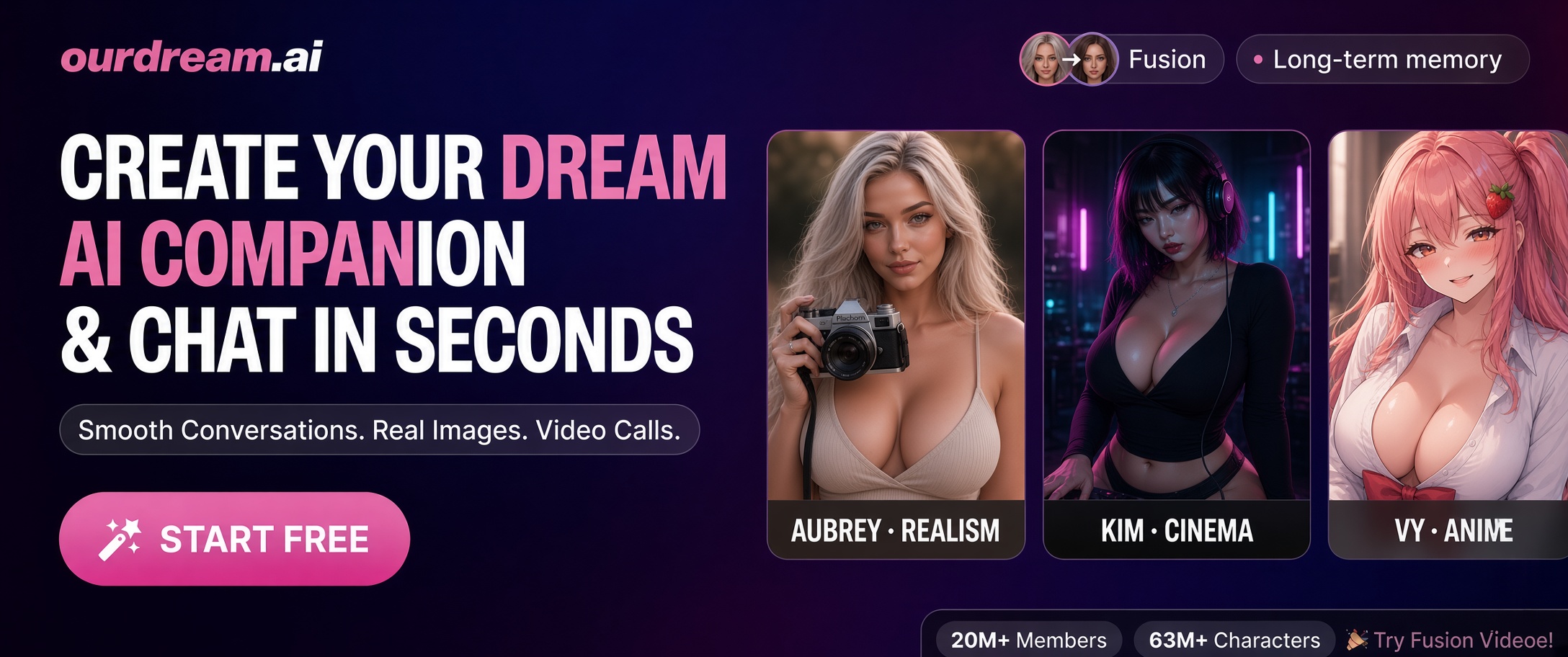
- Same-character chat + video stack → often compared with OurDream
Official product framing emphasizes companions that chat, remember context, and move into voice/images/video. Third-party explainers describe the same loop: library or builder → conversation memory → media unlocked on premium tiers.
Step-by-step: how to use Candy AI
- Sign up on the official site Visit Candy AI and register with your email. Confirm you are 18+ (or the age of majority where you live). Use a password manager; do not reuse credentials from banking apps. After signup you land in the companion experience — library, chat, and account/settings.
-
Explore free or trial chat before you pay
Use free/trial limits to test text chemistry with one or two pre-made characters. Note what is locked (images, voice, video, unlimited messages). A short trial answers “do I like the vibe?” cheaper than burning a month of tokens on day one.

Start with a pre-made companion to learn the chat rhythm before building from scratch. -
Choose a companion — library or character builder
Library: fastest path. Hundreds of distinct personalities/moods; pick one whose bio matches the fantasy (goth, soft girlfriend, dominant, shy, etc.).
Builder: open Create character to set appearance, personality, voice, occupation, hobbies, relationship framing, and style. More setup time; better long-term fit.
Custom characters reward specificity — traits, hobbies, and voice beat vague “hot girl” presets. -
Chat so memory can adapt
Candy AI’s value is continuity: each message can shape the next reply. Treat the first 10–20 messages as training:
- State a name/nickname you want her to use
- State tone (teasing, romantic, filthy, slow-burn)
- State hard limits once, clearly
- Stay in one thread instead of resetting every five minutes
-
Unlock multimodal media (voice, images, beta video)
Paid plans typically unlock richer media. Expect:
- Voice notes / calls — presence layer on top of text
- Images — character-linked selfies/scenes (often token-priced)
- Video — often labeled beta; quality varies

Media features are where tokens matter — clear prompts save money. - Understand tokens and subscriptions Premium is usually a subscription (monthly / longer discounts) plus a token balance for media that refreshes with the billing cycle. Text may be unlimited on premium while images/video drain tokens. Check the live subscriptions page for current prices — third-party tutorials quote numbers that go stale fast. Cancel in settings if the charge is discretionary (billing descriptors often show the parent company name such as EverAI).
How core features work
Chat and memory
Text is the spine. Memory is what makes it feel like a relationship instead of a lottery. Official and secondary explainers agree: companions adapt to style, interests, and ongoing context. Practical tip — restate important facts occasionally (“Remember I’m Alex, we met at the gallery”) so long threads stay coherent.
Images during roleplay
On plans with image generation, ask in-character for a visual, or use the image UI controls (outfit, action, pose, accessories, scene, count). Community tip referenced in short-form tutorials: when typing a request like “show me…”, an extra space in the phrase is sometimes used to steer generation during roleplay. Prefer structured controls when you have them — fewer wasted tokens than vague “send nudes” spam.
Image prompt checklist:
- Who (same character — do not rename mid-prompt)
- Outfit + body framing
- Pose / action
- Location + lighting
- Mood (soft, filthy, cinematic)
- What to avoid (extra limbs, text overlays, different face)
Voice and beta video
Voice adds intimacy; video is the experimental layer. Treat beta video as a bonus, not the reason you subscribe, until quality stabilizes for your use case.
Prompting Candy AI for better storytelling
Weak: “You’re hot. Let’s fuck.”
Stronger: set scene + stakes + sensory detail + pace.
For longer arcs:
- Establish — location, relationship status, what just happened
- Escalate — one notch per reply; do not jump to climax in message two unless that is the kink
- Callback — reference something she said earlier (trains memory + immersion)
- Direct the camera — “Describe only what I can see/feel from my POV”
- Brake or boost — “Slow down” / “Be more explicit” works better than rage-quitting the thread
More general craft: How to write better AI prompts.

Pricing mindset (without stale dollar quotes)
| Need | Likely fit |
|---|---|
| Curious about chat vibe only | Free/trial text with a library character |
| Daily girlfriend-style chat | Premium unlimited text |
| Lots of selfies / outfit changes | Premium + watch token burn; write tighter image prompts |
| Same character across chat + longer video | Compare Candy with OurDream before locking in |
Always verify current plan prices and token allotments on Candy’s live subscriptions page before you buy — affiliate blogs (including older tutorials) drift.
Privacy, safety, and rules of the road
- 18+ only — no exceptions.
- Fictional adults — do not request real-person deepfakes or non-consensual intimate imagery.
- Read retention policy — chats and generations can be stored; delete/account rights exist but legal retention may apply.
- Billing privacy — check how the charge appears on your statement.
- Moderation — illegal content, hate, and exploitation are banned; accounts can be removed.
Broader ethics context: Building fantasy from scratch and AI porn privacy.
Candy AI vs watching on thebestpornai
If you want to talk and generate with one character, use Candy AI. If you want to watch curated AI scenes without prompting, stay on thebestpornai — AI Generated, Shorts, and pornstar packs. Many people do both: chat on Candy, then cool down with a finished clip here.
Related guides on this site
- Candy AI Review 2026 — scores and photorealism notes
- OurDream vs Candy AI — buyer’s comparison
- AI sex chats ultimate guide — category map
- Best AI companion platforms 2026
- Better AI prompts
Start on Candy AI Build your AI companion Watch AI Shorts instead
.jpg)



.jpg)